Adobe Acrobat alternatives for a Mac, without the subscription
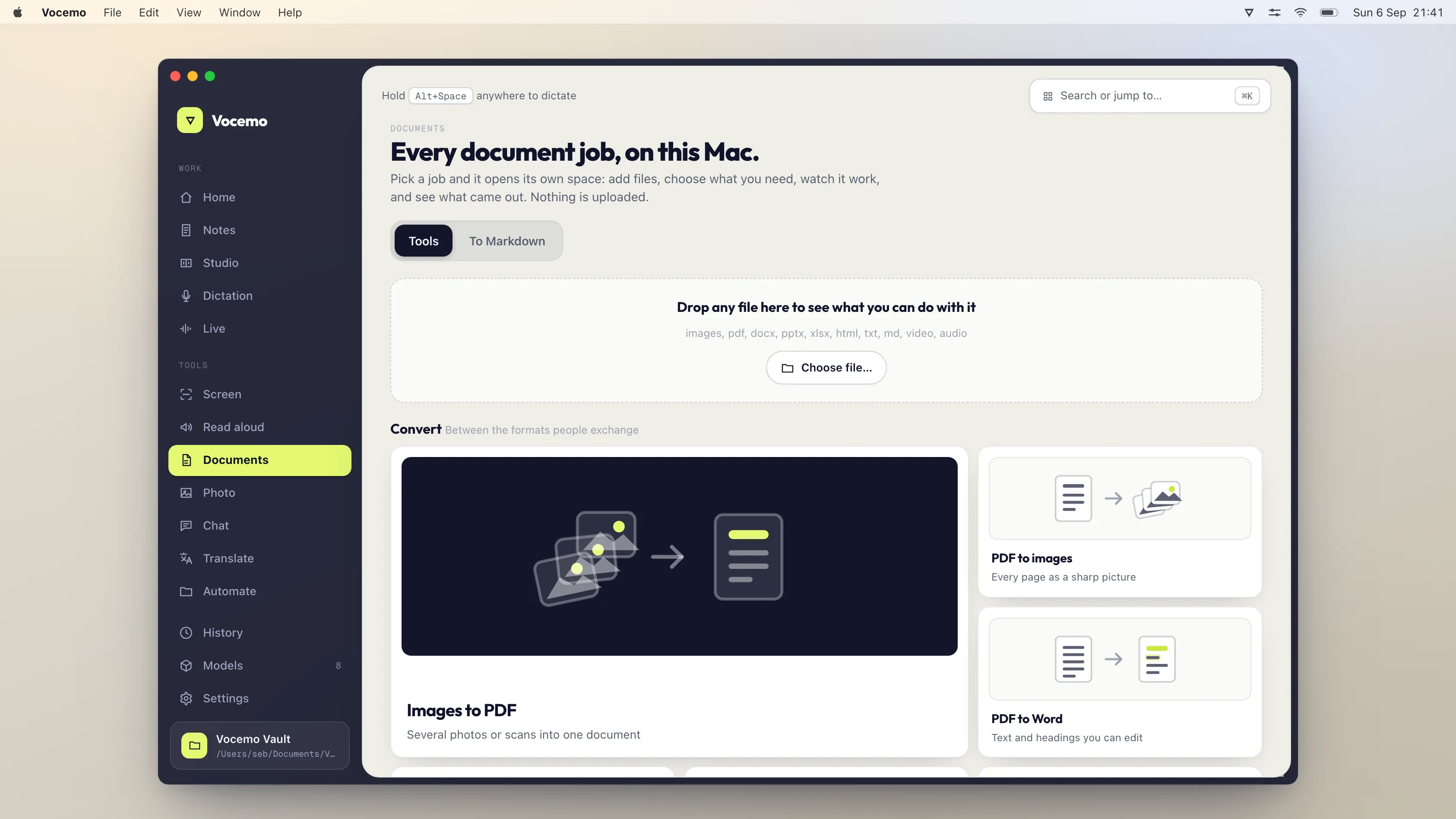
macOS Preview already merges, splits, compresses, signs and reads text in PDFs, for free, on your machine. Acrobat Pro costs around $20 a month. PDF Expert is about 5.99 euros a month, Nitro publishes its own tiers. Vocemo does 21 document jobs locally for $15 a month.
- Free on every Mac
- Preview merges, splits, compresses, signs and reads text
- Adobe Acrobat Pro
- Around $20 a month
- PDF Expert
- About 5.99 euros a month, or 84.99 a year
- Vocemo
- $15 a month, 21 document jobs, nothing uploaded
What does Preview already do?
This is the part that decides whether you need to pay anyone, and most people have never been told. Preview is not a viewer with a few extras; it is a competent PDF tool.
- Merge. Open one PDF, show thumbnails from the View menu, drag other files into the sidebar in the order you want, save.
- Split. Select pages in the thumbnail sidebar and drag them to the Desktop. They become a new PDF.
- Delete and reorder pages. Select in the sidebar, press Delete, or drag.
- Compress. File, Export, then the Quartz Filter menu, Reduce File Size.
- Sign. Markup toolbar, signature icon. Draw on the trackpad or hold a signed sheet to the camera.
- Read text in a scan. Select it like text in a document and copy.
All of that is free, offline, and already installed. If those are the jobs you do, the honest answer is that you do not need Acrobat and you do not need us either.
Where does Preview stop?
Four places, and they are the reason paid tools exist.
- Editing text inside a PDF. Preview annotates; it does not retype a paragraph in place.
- Converting to Word or Excel with the layout reconstructed.
- Writing a text layer back into a scan so the file is permanently searchable rather than readable by you.
- Doing any of it to fifty files at once.
What do the alternatives cost?
Prices verified September 2026.
| Tool | Uploads your file | Price | Best at |
|---|---|---|---|
| macOS Preview | No | Free | Merge, split, compress, sign, read |
| Vocemo | No | $15 a month, $144 a year | Conversion, OCR and batches, all local |
| PDF Expert | No | About 5.99 euros a month, 84.99 a year | Editing text in place on Mac and iOS |
| Nitro | Depends on the tool | See their pricing page | Windows-first business workflows |
| Smallpdf | Yes | About $9 a month | Occasional conversion in a browser |
| Adobe Acrobat Pro | Desktop no, web tools yes | Around $20 a month | Forms, redaction, compliance, everything |
If you would rather this ran on your own Mac, that is what Vocemo does. Free for 7 days, then $15 a month for 3 Macs.
Download free for MacIs a free Adobe Acrobat alternative good enough?
For the majority of people, yes, and Preview is that free alternative. The subscriptions get bought because nobody realises the merge and sign functions are already there.
Where free stops being enough is conversion fidelity, OCR written back into the file, and volume. If you convert one PDF a month, use Word to open it. If you convert forty, the time saved pays for something.
What only Acrobat really does
Worth saying plainly, because a comparison that pretends otherwise is not useful.
- Genuine redaction that removes the underlying text rather than drawing a black box over it. If you work with disclosure, this matters and nothing else does it as reliably.
- Complex form creation with validation and calculations.
- PDF/A archival conversion and accessibility tagging to standard.
- Enterprise deployment and the compliance paperwork around it.
If any of those are your actual job, keep Acrobat. Nothing on this page replaces it, and a page claiming otherwise would be selling you something.
How do you convert a PDF to Word without Acrobat?
Three routes, none of which needs a subscription. Microsoft Word opens a PDF directly and rebuilds it as an editable document, which is the best free result for anything text-heavy. Pages can open a PDF and export to Word, though it struggles with multi-column layouts. And copying the text out of Preview keeps every word while losing every bit of formatting, which is fine if you were going to restyle it anyway.
Where those fall down is a scanned PDF, because there is no text to rebuild until recognition has run, and a document with tables, which is where every converter struggles regardless of price.
Do you actually need a PDF editor on a Mac?
Ask what you opened Acrobat for last time. In practice the list is short: sign something, combine a few files, make a file small enough to email, pull a page out. All four are Preview.
The people who genuinely need an editor are those who receive PDFs they must change rather than annotate: a contract with a wrong figure, a form built by someone else, a report where a paragraph has to be retyped in place. That is a real need and it is what PDF Expert and Acrobat sell. It is also a much smaller group than the subscription numbers suggest.
What about the free online PDF tools?
They work, and they upload your file to do it. For a conference timetable that is irrelevant. For a signed contract, a payslip, a medical letter or anything belonging to a client, it is a decision being made on autopilot because the site was the first search result.
The comparison worth making is not free against paid. It is local against uploaded, and on a Mac the local option for most of these jobs happens to also be the free one.
What should you do?
- Try Preview for a week on the jobs you currently open Acrobat for. Most people discover they were paying for four features and three are already there.
- Add a local tool if you need conversion, OCR or batches, and would rather the documents did not go to a server.
- Keep Acrobat for redaction, complex forms, PDF/A or accessibility work.
Questions
What is the best free Adobe Acrobat alternative for Mac?
Preview, which is already installed. It merges, splits, deletes and reorders pages, compresses, signs and lets you select text inside a scan. Those are the jobs most Acrobat subscriptions are actually used for, and Preview does them offline and for nothing.
Can I edit a PDF for free on a Mac?
You can annotate, sign, rearrange pages and fill forms in Preview for free. Editing the existing text of a paragraph in place is the thing Preview does not do; that is what PDF Expert and Acrobat charge for.
How much does Adobe Acrobat cost?
Acrobat Pro is around $20 a month, with the annual and monthly figures differing. Check their pricing page for the current number, and check which of the tools you need are the desktop app rather than the web tools, because the web tools upload your file.
Is there a PDF editor for Mac without a subscription?
PDF Expert sells a one-off licence alongside its subscription, and Preview costs nothing at all. If your need is conversion and OCR rather than in-place text editing, a local document tool covers it without a per-month PDF product.
What can Acrobat do that alternatives cannot?
True redaction that removes the underlying text rather than covering it, complex form creation with validation, PDF/A archival conversion and accessibility tagging to standard. If those are your work, keep Acrobat.
{t_sources_h}
Every price on this page was read from the vendor's own page on the date shown above. Prices change; if you find one out of date, tell us and we will correct it.
Competitor prices in this article were checked in September 2026. Prices change; if you find one out of date, write to us and we will correct it.