On-device AI on a Mac: what it means, and what really runs locally
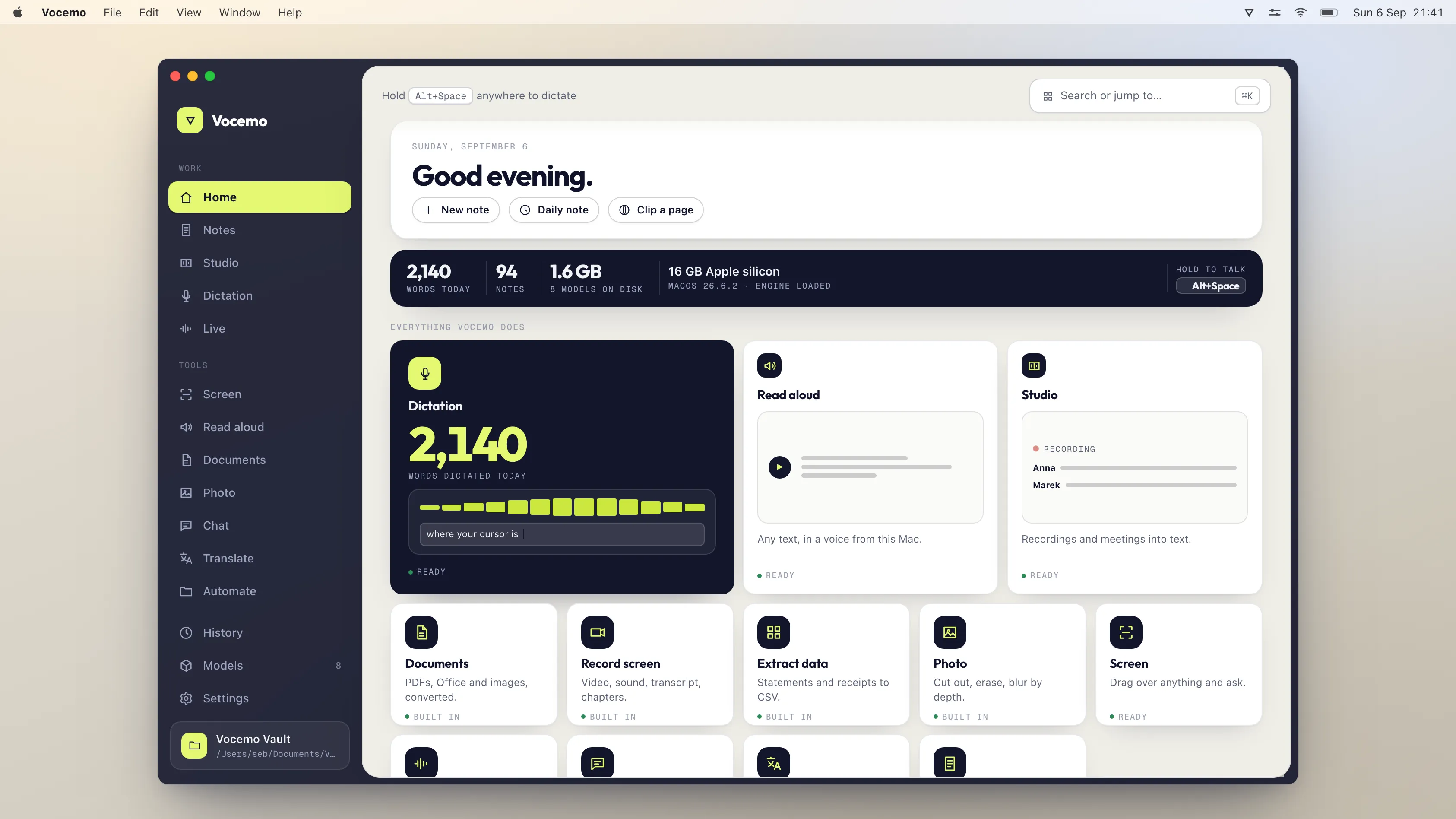
On-device AI means the model runs on your own Mac's processor, so the thing you are working on is never uploaded. On an Apple silicon Mac in 2026 that covers speech to text, text to speech, translation, text recognition on scans, image work and small language models. It does not yet cover frontier chat models, which are too large.
- What it is
- The model runs on your Mac's own chip, not a server
- What it protects
- Your audio, documents and text are never transmitted
- What Macs can do it
- Apple silicon, M1 or newer, macOS 13+
- What it cannot do
- Run frontier chat models. Those need a data centre
What does on-device AI actually mean?
It means the whole computation happens on the machine in front of you. When you dictate into a cloud app, your microphone audio is encoded, sent to a server, transcribed there, and the text comes back. When you dictate into an on-device app, the audio goes to a model loaded in your Mac's memory and the text appears. Nothing crosses the network.
The distinction matters most for the things you would not email to a stranger: a client call, a bank statement, a medical note, an unreleased document. With a cloud tool those all pass through somebody else's infrastructure, under somebody else's retention policy.
Which AI tasks can a Mac actually run on its own?
More than most people expect, and less than the marketing suggests. Here is the honest split as of September 2026, on Apple silicon.

| Task | Runs on a Mac? | What it costs you |
|---|---|---|
| Speech to text | Yes, well | 76 MB to 2.5 GB of models, near real time |
| Text to speech | Yes | Built into macOS, or a small downloaded voice |
| Text recognition on scans | Yes | Built into macOS, no download |
| Translation | Yes | A model per language pair |
| Summarising and rewriting | Yes, with a small model | 1 GB to 4 GB, slower than cloud |
| Questions about an image | Yes, with a small vision model | Around 500 MB |
| Frontier chat, long reasoning | No | Needs a data centre. Be suspicious of anyone claiming otherwise |
If you would rather this ran on your own Mac, that is what Vocemo does. Free for 7 days, then $15 a month for 3 Macs.
Download free for MacThe pattern is that narrow, well defined jobs run locally at quality indistinguishable from cloud. Open ended reasoning does not.
How can you tell whether an app really runs on-device?
Marketing pages say "private" freely. Four checks settle it in about a minute.
- Turn off the Wi-Fi and use the feature. This is the whole test. If it works, it is local. If it fails, it was never local.
- Look at the installed size. An app that runs models locally has to store them. If the app is 40 MB and downloads nothing, the model is not on your machine.
- Watch Activity Monitor. Local inference makes the CPU or GPU work. A flat graph during a long transcription means the work happened somewhere else.
- Read what the privacy policy says about processing, not storage. "We do not store your recordings" is not the same claim as "we never receive them".
Does on-device mean slower?
Sometimes, and less often than you would think. Speech recognition and text recognition are faster locally, because there is no upload and no queue: a short dictation is transcribed before a cloud tool has finished sending the file. Large language work is slower locally, because a laptop has less memory bandwidth than a rack of accelerators.
The other half of the answer is that local work has no per minute cost, so there is no meter running while you think.
What does on-device AI cost compared with cloud tools?
The cloud pricing model charges for usage, because usage costs the vendor money. Local software has no marginal cost per transcript, so it is normally sold as a flat licence or subscription. For anyone using these tools daily the difference compounds quickly.
What hardware do you need, and is 8 GB enough?
The honest answer is that the memory in your Mac decides more than the chip generation does, because a model has to fit in memory to run at all.
| Mac | What runs comfortably | What does not |
|---|---|---|
| Intel Mac | Text recognition, system dictation, text to speech | Most current speech and language models |
| Apple silicon, 8 GB | Dictation, transcription, OCR, read aloud, translation, small language models | Large language models, several heavy jobs at once |
| Apple silicon, 16 GB | All of the above plus mid-sized language models and image work | The very largest open models |
| Apple silicon, 32 GB or more | Large open models, long documents, several jobs at once | Frontier-scale models, which do not fit on any laptop |
Two things surprise people. Apple silicon shares memory between the processor and the graphics side, so a 16 GB Mac can load a model that would need a dedicated 16 GB graphics card on a PC. And 8 GB is genuinely enough for the everyday jobs, which is most of what people actually want: typing by voice, transcribing a meeting, reading a scan, translating a page.
Disk space matters too, though less. Models are files, and a useful set runs from a few hundred megabytes to several gigabytes. A tool that downloads only the models you use keeps this small.
What is on-device AI still bad at?
Worth being straight about, because a page that claims local models match frontier ones is not telling you the truth, and you will find out within a day.
- Long, open-ended reasoning. The largest cloud models are far ahead on hard multi-step problems. Nothing that fits on a laptop closes that gap.
- Broad world knowledge. A small model knows less and is more willing to make something up confidently. For factual questions about the world, it is the wrong tool.
- Very long context. Feeding a 400 page document to a local model and asking for a synthesis is where memory limits bite hardest.
- Rare languages and dialects. The big cloud systems have been trained on more data in more languages.
- Anything genuinely needing the internet. Current events, live prices, searching the web. A local model has no way to know and should not pretend to.
The useful framing is that on-device AI is excellent at processing things you already have, and weak at knowing things you do not. Transcribing your recording, reading your scan, translating your document, rewriting your draft: these are processing jobs, and they run well on a laptop. Answering "what happened this week" is not.
Why would you want it on-device at all?
Four reasons, and only the first is about privacy.
- The data never leaves. There is no copy on a server to be retained, breached, subpoenaed or used for training. For anything covered by a professional obligation, this changes the analysis rather than merely improving it.
- It works with no connection. On a plane, on a train, in a hospital basement, on bad hotel Wi-Fi. Local tools do not degrade.
- The cost is flat. No per-minute transcription charge, no per-seat price, no usage tier to think about before you use the thing you paid for.
- It cannot be taken away. A cloud feature can be repriced, restricted or discontinued. A model on your disk keeps working.
Against that: you carry the hardware requirement, you do the updating, and you accept that the frontier models are better at frontier problems. That is the trade, stated plainly.
How do you set up on-device AI on a Mac?
Start with what is already installed, because a fair amount is, and most people have never turned it on.
- Dictation. System Settings, Keyboard, turn on Dictation and let it download the language pack. That download is what makes it work offline.
- Read aloud. System Settings, Accessibility, Spoken Content, turn on Speak Selection. Then open Manage Voices and download a better voice; the default is dated and the good ones are free.
- Text recognition. Nothing to turn on. Select text in any image in Preview, Photos or Quick Look and it just works.
- Translation. Built in, and it will offer to download languages for offline use. Do that before you travel, not after.
Beyond the built-in set, you are choosing an app. The question to ask about any of them is not whether it says "on-device" on the website. It is whether it still works with the Wi-Fi off.
Does running models locally drain the battery?
Yes while a job is running, and no the rest of the time, which is a more useful way to think about it than a single figure.
Transcribing an hour of audio works the machine hard for the few minutes it takes and will warm the case. Dictating a paragraph costs almost nothing. Text recognition on a page is over before the fan notices. The Neural Engine on Apple silicon exists precisely for this and is far more efficient than doing the same work on the main processor.
The comparison people forget is that a cloud tool also uses power on your side: keeping the radio awake and streaming audio is not free either. The difference in practice is smaller than it sounds, and the local version keeps working when you are down to 8% on a train with no signal.
How do you choose an on-device AI app?
Five questions worth asking before you pay for anything:
- Does it work with the network off? Test it, do not read about it. This is the one question that cannot be answered by marketing copy.
- What does it download, and when? Models should arrive on demand, not as a multi-gigabyte installer, and you should be able to delete the ones you do not use.
- Which Macs does it support? If your Mac has 8 GB, check that specifically rather than the minimum listed.
- What happens to your files? Where does output land, and can you point it somewhere you control.
- What is the price shape? Flat is the point. A local tool with a per-minute charge has kept the worst part of the cloud model.
Questions
Is 8 GB of RAM enough for on-device AI on a Mac?
For the everyday jobs, yes. Dictation, transcription, text recognition, read aloud, translation and small language models all run on an 8 GB Apple silicon Mac. What does not fit is a large language model, or several heavy jobs at once. Apple silicon shares memory between the processor and graphics, so it goes further than the same number on a PC.
What is on-device AI not good at?
Long open-ended reasoning, broad world knowledge, very long documents, rare languages, and anything that genuinely needs the internet. Local models are strong at processing things you already have, such as your recording, your scan or your draft, and weak at knowing things you do not.
Does on-device AI drain the battery?
While a job runs, yes, and the machine will warm up during something like transcribing an hour of audio. The rest of the time it costs nothing. Apple silicon includes a Neural Engine built for this work, which is far more efficient than running the same job on the main processor.
Is on-device AI as accurate as cloud AI?
For speech to text, text recognition and translation, yes: the same model families are available locally and the accuracy gap is small. For open ended reasoning and long context work, no. A laptop cannot hold a frontier model, and any app claiming to run one locally is either using a much smaller model or quietly calling a server.
Does on-device AI work without internet?
Yes, once the models are downloaded. That is the defining property. Anything that stops working when you turn off the Wi-Fi was not running on your device.
How much disk space do local AI models need?
It depends on the job. A good speech recognition model is 76 MB to 2.5 GB. A small language model for summarising is 1 GB to 4 GB. Text recognition and system voices are built into macOS and need no download at all.
Which Macs can run on-device AI?
Apple silicon Macs, meaning M1 or newer, running macOS 13 or later. Memory matters more than chip generation: 8 GB runs speech, text recognition and translation comfortably, while the larger language models want 16 GB or more.
Is on-device AI more private than a cloud tool with a good privacy policy?
It is a different kind of guarantee. A privacy policy is a promise that can change, be breached, or be overridden by a subpoena. On-device processing is a property of how the software is built: there is no copy to hand over, because none was ever made.
Sources
Every price on this page was read from the vendor's own page on the date shown above. Prices change; if you find one out of date, tell us and we will correct it.
- Apple Intelligence system requirements
- Apple: Use dictation on Mac
- Apple: Have your Mac speak text out loud
- Apple: Interact with text in a photo in Preview
- Apple: Translate text on Mac
- Apple: App privacy details on the App Store
- Ollama for macOS
- LM Studio
- Lopez v. Apple voice assistant settlement, official notice
Competitor prices in this article were checked in September 2026. Prices change; if you find one out of date, write to us and we will correct it.