Offline AI apps for Mac, judged by one test
An app is offline only if the feature finishes with the network switched off. By that test, plenty works: Apple Dictation, Spoken Content, Live Text and Translate are free and local. Ollama and LM Studio run chat models locally. MacWhisper and Aiko transcribe locally. Draw Things makes images locally.
- The test
- Network off, use the feature, see if it finishes
- Free and genuinely local
- Apple Dictation, Spoken Content, Live Text, Translate, Ollama, LM Studio, Draw Things
- The usual catch
- A first run download, then it works with the network off
- The second catch
- Many local apps also offer a cloud model, and it is often the default
What test does this page apply?
One rule. An app earns a yes only if the feature completes with the network switched off, either because we could make it do that or because the maker's own documentation says so without hedging. Marketing words carry no weight here. "Private", "secure", "your data is never used for training" and "on-device where possible" are all compatible with your file being uploaded.
Run it properly if you are checking yourself. Turn off Wi-Fi, unplug Ethernet, disconnect any iPhone plugged in to charge, turn off Personal Hotspot, then quit and relaunch the app so no open connection survives. The longer version of this method, including what to watch in Activity Monitor, is in how to tell if a Mac app is uploading your data.
Two fair caveats, stated once. A pass means the feature can run offline, not that the app sends nothing when the network is back. And almost every local tool needs a model downloaded once before it works offline at all, which is a download, not an upload.
Which AI apps on a Mac work with the Wi-Fi off?
Prices verified September 2026. Free tools are listed first within each category, because for several of these jobs the free answer is the right answer.

| App | Job | Finishes with the network off | Price |
|---|---|---|---|
| Apple Dictation | Voice typing | Yes on Apple silicon in 48 language and region options. No in search boxes | Free |
| Apple Spoken Content | Read aloud | Yes, once a voice is downloaded | Free |
| Apple Live Text and Preview | Text in images | Yes | Free |
| Apple Translate | Translation | Yes for downloaded languages. Apple says Siri and Safari always translate online | Free |
| Ollama | Chat models | Yes for local models. It also offers cloud models | Free, open source |
| LM Studio | Chat models | Yes | Free, including at work since July 2025 |
| Draw Things | Image generation | Yes for local creation. Cloud compute is optional | Free |
| DiffusionBee | Image generation | Yes | Free, open source |
| Tesseract | Text in scans | Yes | Free, open source, command line |
| Aiko | File transcription | Yes | $24 once |
| MacWhisper | File transcription | Yes with local models. It can also call remote ones | Free tier, or EUR 64 for a licence |
| Superwhisper | Voice typing | Yes with local models on Apple silicon. Its own FAQ says Intel Macs work best with cloud models | Free tier, Pro from $8.49 a month |
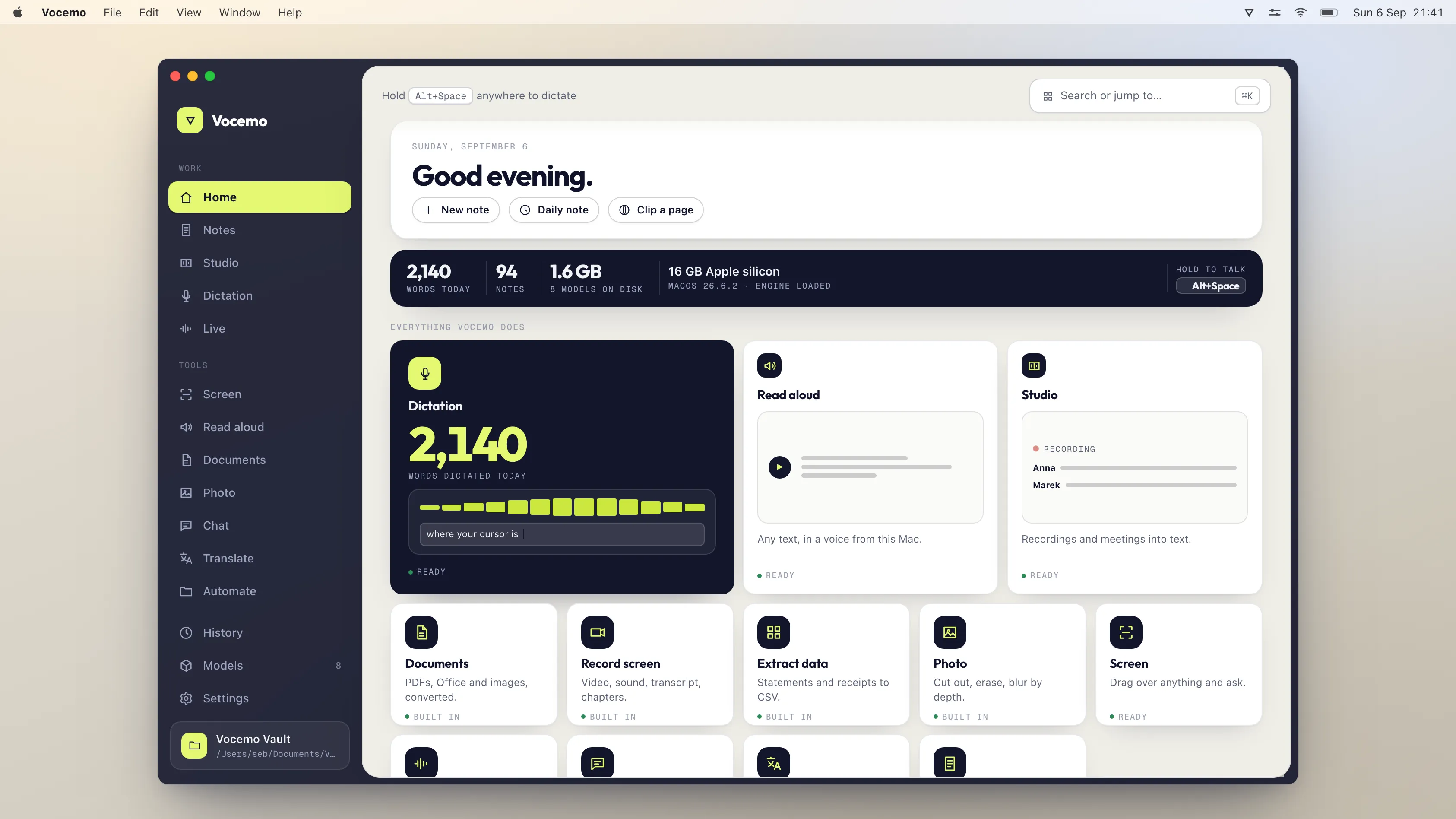
| Vocemo | Several of the above | Yes after the model download. A licence check runs online | $15 a month, or $144 a year |
If you would rather this ran on your own Mac, that is what Vocemo does. Free for 7 days, then $15 a month for 3 Macs.
Download free for MacNothing in that table is a recommendation by itself. The categories below say which one to reach for and why.
Which dictation apps work offline on a Mac?
Start with the free one. Apple Dictation is built in, and on an Apple silicon Mac in a supported language it runs on the machine with no connection. It is weak in exactly two places: it has no custom vocabulary worth the name, so specialist terms come out wrong every time, and it does not tidy what you said. For a shopping list it is perfect. For clinical notes it is not.
Superwhisper's free tier includes local speech models and works offline, which makes it a reasonable free upgrade if you want more control over formatting. Its own FAQ is candid that offline models "only run really well on Apple Silicon macs".
Vocemo is the paid option we make, and its voice typing runs on the Mac with vocabulary presets for medical, legal and technical work. The full comparison, including the tools that upload despite what their pages say, is in Mac dictation that never uploads your voice.
Which transcription apps run offline?
This category is the strongest case for local software, because audio files are large, often confidential, and slow to upload. All three of the main options transcribe on the Mac.
- Aiko is $24 once on the App Store and does one thing: drop a file in, get a transcript. Its App Store description says the transcription runs locally and nothing leaves the device. It states plainly that it does not do live transcription and has no speaker detection.
- MacWhisper has a free tier that is genuinely usable and a licence at EUR 64. It transcribes with local models, and it can also connect to remote ones, so check which model is selected before assuming a file stayed put.
- Vocemo transcribes with speaker names and exports captions.
Which model sizes are worth the disk space, and how long each takes per hour of audio, is covered in transcribing audio offline on a Mac. If the recording is a meeting, the separate question of whether a notetaker joins the call is in meeting notes without a bot in the room.
Can a Mac read documents aloud without the internet?
Yes, and it is free. macOS Spoken Content speaks selected text with Option and Escape once you switch it on in Accessibility settings. The default voice is poor and the fix is in the same panel: Manage Voices downloads better ones, each a few hundred megabytes, and they speak with the network off. Most of the paid read aloud services make their best voices on their own servers, which means the text goes there. That comparison is in reading documents aloud without uploading the text.
Can you translate offline on a Mac?
Yes, with a caveat Apple documents itself. Download languages in System Settings, General, Language and Region, Translation Languages, and translation works offline. Apple's own guide adds two things worth knowing: "Offline translations may be less accurate than translations processed using Apple servers", and "Siri and Safari always process translations online". There is an On-Device Mode switch that keeps translation local even when you are connected.
So Apple Translate offline is free and fine for a paragraph, and the browser is the leak. What the alternatives cost and where local translation quality actually lands is in translating offline on a Mac.
Does OCR work offline on a Mac?
Reading text out of an image is one of the jobs macOS already does locally and for free. Live Text in Preview, Photos and Quick Look lets you select words in a picture with no connection at all. Tesseract, the open source engine, also runs locally if you are comfortable at the command line.
Where the free options stop is writing the recognised text back into a scanned PDF, so Spotlight can find it. That step, and which tools do it without an upload, is in making scans searchable on a Mac.
Which local AI chat apps run without a connection?
Both leaders here are free, and neither is ours.
Ollama is open source under the MIT licence and pulls open weight models to your machine. Its own site says local models are always free and that nothing you run locally leaves your machine. It now also sells access to cloud models, so the distinction to hold on to is which model you selected, not which app you opened.
LM Studio is a graphical workbench for the same class of models, with a model browser and a chat window. It has been free for use at work since 8 July 2025, when the company dropped the separate commercial licence.
The honest limit applies to both. A laptop cannot hold a frontier model. An 8 GB Mac runs small models usefully for summarising and rewriting, a 16 GB Mac runs mid sized ones, and neither will match a hosted frontier model on long reasoning. What fits in what, with sizes, is in on-device AI on a Mac.
Can you generate images offline on a Mac?
Yes, and free tools own this category outright. Draw Things is free on the App Store and its description says local creation needs no internet and no subscription, with cloud compute offered as an option you can ignore. DiffusionBee is free and open source. Both download model weights of several gigabytes on first use and then run on the Mac's own graphics hardware.
We do not build an image generator, and we would not recommend paying for one on a Mac while these two exist.
Where the offline claim breaks down
Five failure modes, in the order they catch people out.
- The default is the cloud model. Several apps in the table run locally and remotely. If the remote option is selected, the app is a cloud app that day. Look at the model picker before you look at the privacy page.
- Offline works, but worse, and quietly. An app can fall back to a small local model with no error. If the output is noticeably better online, the good version came from somewhere else.
- The licence check. Paid local apps, ours included, contact a server to confirm a subscription. That is a fingerprint and a key, not your content, but it means "the app never touches the network" is the wrong claim to make. "Your files never leave" is the right one.
- Announced is not shipped. VideoLAN announced offline subtitle generation for VLC in January 2025. We could not test that feature in a shipped stable release in September 2026, so it is not in the table. It is a good idea and it may well arrive.
- Intel Macs. Most of the local speech and image tools here need Apple silicon to be usable rather than merely possible. Superwhisper says so on its own site, and Apple's documentation says Intel Macs send dictation to a server.
What is worth paying for, and what is not?
Use the free answer where the free answer is good. Reading aloud, translating a paragraph, selecting text out of a photo, running a small chat model and generating images are all covered by free software that runs on the Mac. Paying for them is paying for a nicer window.
Paying starts to make sense in three places. Transcription of long files, where accuracy, speaker names and export formats do real work. Dictation with specialist vocabulary, where the built in feature makes the same mistake every day. And batches of document jobs, where doing it by hand costs an afternoon.
Vocemo covers those three on one licence, at $15 a month or $144 a year, with a 7 day trial that needs no account and a licence that runs on three Macs. The installer is 5.5 MB because no model ships inside it: each feature downloads what it needs on first use, and the engine shuts down after 120 seconds of idle. It needs macOS 13 or later on Apple silicon. If the free tools above already do your job, use them.
Questions
What is the best free offline AI app for Mac?
It depends on the job, and for several jobs macOS already has it. Spoken Content reads text aloud, Live Text pulls words out of images, Translate works offline once you download a language, and Dictation runs on the device on Apple silicon. For chat models, Ollama and LM Studio are both free. For images, Draw Things and DiffusionBee are both free.
How can I tell if an AI app really works offline?
Turn off Wi-Fi, unplug Ethernet, disconnect any tethered iPhone, quit the app and relaunch it, then use the feature. If it finishes, the work happened on your Mac. If it hangs or errors, it did not. Do this after the app has downloaded whatever model it needs, since that download is a one off.
Do offline AI apps need a download first?
Almost always. The model has to be on your disk before it can run there. Speech models range from tens of megabytes to a few gigabytes, image models are usually several gigabytes, and system voices are a few hundred megabytes each. After that first download the feature works with no connection.
Is Ollama or LM Studio better for running models locally on a Mac?
They do the same job with different surfaces. Ollama is open source under the MIT licence, is driven from the command line or from other apps, and is the usual choice when something else needs to talk to a local model. LM Studio is a graphical app with a model browser and a chat window, and has been free for work use since July 2025. Both are free.
Does an app that runs locally still send anything to a server?
It can. Paid local apps typically check a licence, and most apps check for updates. Neither carries your content. The claim to test is whether your files and audio leave, not whether the app ever opens a socket, and the offline test answers exactly that.
Can a Mac run a full size AI chat model offline?
No. Frontier models need far more memory than a laptop has. An 8 GB Apple silicon Mac runs small models well enough for summarising and rewriting, and 16 GB or more widens the choice, but the gap against a hosted frontier model on long reasoning is real. Narrow jobs such as speech to text, text recognition and translation run locally at quality that is hard to distinguish from cloud.
Sources
Every price on this page was read from the vendor's own page on the date shown above. Prices change; if you find one out of date, tell us and we will correct it.
Competitor prices in this article were checked in September 2026. Prices change; if you find one out of date, write to us and we will correct it.