Transcribing audio and video on a Mac, without sending the file anywhere
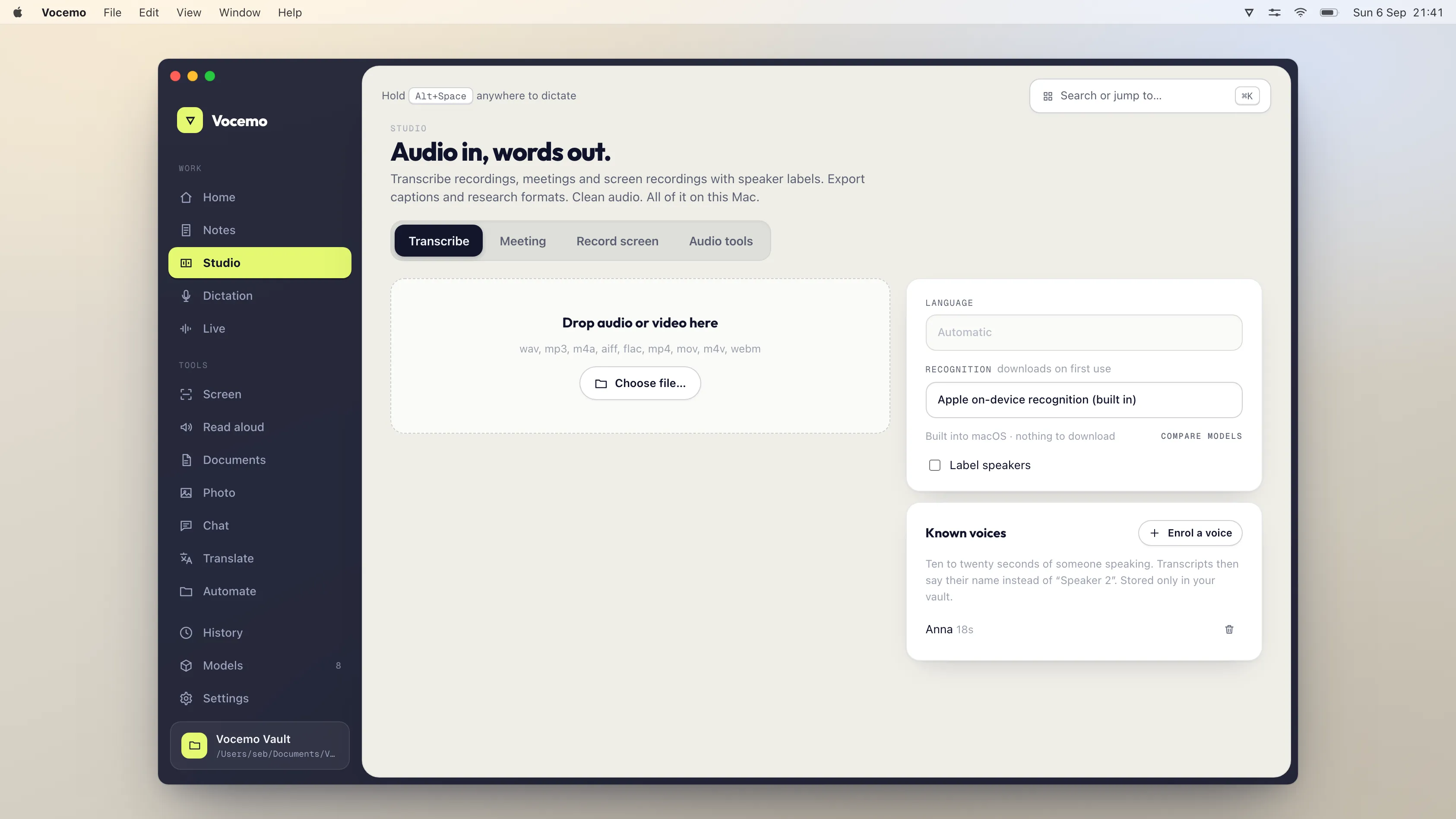
Transcription is arithmetic your Mac can do itself. Rev charges $1.99 a minute for human transcripts and Temi $0.25 a minute for machine ones. Sonix starts at $10 an hour. Otter's free plan allows 3 file imports for life. Vocemo transcribes files locally for $15 a month or $144 a year.
- Rev human transcription
- $1.99 a minute, quoted at 99%+ accuracy in 12 hours
- Machine transcription
- Temi $0.25 a minute, Sonix pay as you go $10 an hour
- Otter free plan
- 300 transcription minutes a month, 3 file imports for life
- Vocemo
- $15 a month or $144 a year, the file stays on the Mac
Can you transcribe an audio file on a Mac without uploading it?
Yes. Speech recognition is a model reading a waveform and writing text. The model is a file. Once that file is on your disk, the sound never has to leave the room it was recorded in. An Apple silicon Mac has the memory bandwidth and the neural hardware to run a good speech model directly, which is why several Mac apps now do exactly this and why macOS itself has offline dictation.
The reason most people still upload is habit and a search box. You type "transcribe mp3", a website appears, you drag the file in, and ninety seconds later there is a transcript. Nothing in that flow tells you that a recording of a private conversation has just been copied onto a company server in another country.
Why is transcription the most common reason people upload confidential audio?
Because the recordings worth transcribing are almost always the sensitive ones. Nobody pays to transcribe a podcast they could just listen to. People transcribe the things they need in writing and cannot afford to mistype.
- Client calls and sales calls, with names, prices and terms in them.
- Research interviews under an ethics approval that says the audio stays with the researcher.
- Therapy sessions, supervision sessions and case reviews.
- Board meetings, disciplinary hearings and investigation interviews.
- Doctor and patient conversations, and voice notes dictated after a visit.
- Legal statements, witness accounts and depositions.
Every one of those is a file you would not email to a stranger, and every one of them ends up on a transcription website every day. Often the other person on the recording was never asked. That is the whole argument for doing it on the machine you already own, and it is the same argument made at more length in is your AI app uploading your data.
How accurate is local transcription compared with a cloud service?
Set expectations honestly, because this is where reviews oversell in both directions.
On clean audio, one speaker, a decent microphone, no music, no crosstalk, a good local model and a good cloud model produce transcripts that read about the same. You will spend your editing time on the same things either way: proper nouns, acronyms, product names and the odd number.
On hard audio the picture changes. Four people around a laptop in a cafe, a phone speaker, a strong accent the model has not heard much of, two people talking over each other: every automatic system degrades, cloud included. Sonix advertises 99% accuracy and Rev advertises 99%+ for its human service, and the difference between those two claims is the point. The 99% that is guaranteed is the one a person typed. Rev sells that at $1.99 a minute because a human listening in real time is what it costs.
So the practical rule is this. If a machine transcript is good enough for your job, run it locally and keep the audio. If you genuinely need a certified verbatim transcript for a court, buy a human one and accept that the audio is going to a transcriptionist. There is no third option where a machine gives you certified accuracy, on your Mac or on a server.
Two more things help more than switching services. Record with a better microphone, because input quality moves accuracy further than model choice does. And give the tool your vocabulary if it accepts one, since most errors in professional audio are names the model has never seen.
What audio and video formats can you transcribe?
Anything your Mac can already decode, because the first step of every transcription is the same: convert the sound to plain 16 kHz audio and hand that to the model. In practice that covers m4a from Voice Memos, mp3, wav, aac, flac, aiff and ogg on the audio side, and mp4, mov, m4v and mkv on the video side. A video file is transcribed by pulling the audio track out and throwing the pictures away.
Two format notes worth knowing. A stereo interview where each person is on a separate channel transcribes far better if the tool keeps the channels apart, because channel separation is a perfect speaker label. And a file recorded at 8 kHz, which is what a phone call export often is, will always transcribe worse than the same conversation captured at 44.1 kHz, whatever you run it through.
What happens with a three hour recording?
It gets split. This is the part nobody explains and the reason some tools quietly truncate long files.
Many speech models were trained on short windows and decode a fixed length at a time, in some cases only 30 seconds. Feeding one a 3 hour lecture does not work. The fix is to cut the audio into pieces, transcribe each one and stitch the text back together with the time offsets restored. Where you cut matters. Cutting on a fixed clock chops words in half. Vocemo looks for the quietest short stretch before each model's limit and cuts there, so the joins land in pauses rather than in the middle of a sentence, then merges the text and the timings back into one transcript.
What this means for you: a long file is fine, but it takes proportionally longer than a short one and it uses more disk while it works. If a tool returns a suspiciously tidy transcript that stops dead at the one hour mark, it truncated rather than split. Always check the end of a long transcript against the end of the audio.
Can it tell speakers apart?
Yes, within limits that are the same everywhere. Speaker separation groups the audio by voice and labels the groups Speaker 1, Speaker 2 and so on. It does not know who those people are. You rename them once and the transcript updates.
It works well with two or three distinct voices on a decent recording. It gets less reliable with many speakers, with people who sound similar, and with heavy crosstalk, where a sentence spoken over another sentence may be attributed to either. Descript lists "Detect 8+ speakers" on its plan comparison and offers multitrack transcription for recordings where speakers are on separate tracks, which is the honest answer to the hard case: if you can record each person on their own track, do, and every tool including a local one will label them perfectly.
What do transcription services cost in 2026?
Prices verified September 2026, from each company's own pricing page. Happy Scribe prices in euros, so those are shown as published.
| Service | Where the audio is processed | Price | What you get |
|---|---|---|---|
| Rev, human | Uploaded, typed by a person | $1.99 a minute | Quoted at 99%+ accuracy, delivered in 12 hours or less |
| Rev, subscription | Uploaded | $29.99 a seat monthly, $25.49 on annual | Essentials plan, 5,000 machine minutes a seat a month, up to 3 seats |
| Temi | Uploaded | $0.25 a minute | Pay as you go, rounded up to the nearest minute, no subscription |
| Sonix | Uploaded | $10 an hour, or $25 a month | Pay as you go rate, or the Core plan with 5 hours a month |
| Otter | Uploaded | Free, or $16.99 a user monthly | Free plan is 300 minutes a month and 3 file imports for life; Pro is $8.33 a user on annual |
| Descript | Uploaded | Free, or $24 a month | Free plan is 60 minutes a month; Hobbyist is 10 hours a month, $16 on annual |
| Happy Scribe | Uploaded | €17 a month | Basic plan, 120 minutes a month, extra credits at €0.20 a minute |
| MacWhisper | On your Mac | Free, or €64 once | Pro licence is a one time purchase and includes lifetime updates |
| Vocemo | On your Mac | $15 a month, or $144 a year | Transcription with speaker separation, summaries, SRT and VTT export, plus the rest of the toolkit |
If you would rather this ran on your own Mac, that is what Vocemo does. Free for 7 days, then $15 a month for 3 Macs.
Download free for MacRead the per minute prices against your actual volume. Temi at $0.25 a minute is cheap for one 40 minute interview and $45 for a week of research calls. Rev at $1.99 a minute is $119 for a single hour long deposition. A flat local licence costs the same whether you transcribe one file a month or two hundred, which is why heavy users end up local and occasional users often should not bother subscribing to anything.
What a local transcription app does not do
This matters more than the feature list, so here it is plainly. Vocemo does not:
- Produce a certified human transcript. Nothing local does. If you need a verbatim transcript signed off by a person, buy one.
- Run anywhere but a recent Mac. macOS 13 or later, Apple silicon only. No Intel Macs, no Windows, no web app, no iPhone or iPad app.
- Give word level timings from every model. Some speech models return timings per word and some return none at all. When there are none, captions fall back to timing spread across each sentence. That is fine for subtitles you read and wrong for karaoke style word highlighting.
- Offer a shared team workspace. There are no comments, no channels, no shared folders and no links you send to a colleague. Transcripts are files on your disk.
- Sync anywhere. Nothing appears on your phone afterwards, because nothing was uploaded.
- Work the second you install it. The installer is 5.5 MB and holds no models. The first transcription downloads the model pack it needs. After that it is offline, and the engine shuts down after 120 seconds of idle time.
If any one of those is essential to your work, a cloud service is the right buy and you should make that trade knowingly rather than by accident.
How do you check whether a transcription app is uploading your file?
Three checks, in order of effort.
- Turn the network off. Switch off Wi-Fi, unplug Ethernet, then transcribe a file the app has never seen. If a transcript appears, the work happened on your Mac. This is the only test that cannot be talked around.
- Watch the connections. Open Activity Monitor, choose the Network tab, and look at Data Sent for the app while it works. A local transcription of a 60 MB file sends close to nothing. An upload sends 60 MB.
- Read the retention line, not the marketing line. "Private and secure" is not a claim about location. Look for where the file is stored, how long it is kept and whether it trains anything.
The same three checks work on any AI app, and there is a longer version in on-device AI on a Mac.
Which should you use?
- One file, once, nothing sensitive in it. Use a free tier. Otter's free plan covers 3 file imports for life and Descript's covers 60 minutes a month.
- A legal transcript that must be right. Rev human transcription at $1.99 a minute. Accept the upload, because the accuracy is the product.
- Occasional files with confidential content. A local Mac tool. MacWhisper Pro is a one time €64 and does the transcription job well.
- Regular confidential audio plus everything around it. Vocemo at $15 a month, because transcription, speaker separation, summaries with decisions and action items, filler word removal, SRT and VTT export and live captions are one app rather than five.
If the recordings you care about are meetings rather than files, the related question is whether a bot should be sitting in the call at all, which is covered in meeting notes without a bot.
How long does a local transcription take, and what does it download?
Speed depends on the model and the Mac. A smaller model is quicker and slightly less accurate; a larger one is slower and better on hard audio. The useful habit is to transcribe a two minute sample first, check the errors, then commit the three hour file.
The download is a model pack, fetched only when a feature first needs it, and the app keeps 52 of them so no single install pulls everything. The installer stays at 5.5 MB because no weights ship inside it. A licence covers 3 Macs, and there is a 7 day trial with no account to create, so you can run your own worst recording through it before paying.
Questions
How do I transcribe an audio file on my Mac for free?
macOS has offline dictation, which will type what it hears live, but it will not take a file. For files, free options include the free tier of MacWhisper and the free plans of cloud services, which cap you at 60 minutes a month for Descript or 3 lifetime imports for Otter. A free local tool keeps the file on your disk; a free cloud tier does not.
Is offline transcription as accurate as Otter or Rev?
On clean single speaker audio the machine transcripts are close enough that you edit the same words either way. On difficult audio every automatic system gets worse, including the cloud ones. Rev's 99%+ figure is for its human service at $1.99 a minute, which is a different product from any machine transcript.
Can I transcribe a video file, or do I need to extract the audio first?
You can hand over the video directly. The tool pulls the audio track out and discards the pictures, so mp4, mov, m4v and mkv all work. Extracting the audio yourself first changes nothing about the result.
How long can a recording be before transcription breaks?
There is no hard limit if the tool splits long audio properly. Many speech models decode only a short window at a time, so a long file has to be cut into pieces and rejoined with the timings restored. Cutting at quiet points rather than on a fixed clock is what keeps words from being sliced in half.
Does local transcription label who is speaking?
Yes, it groups the audio by voice and labels the groups so you can rename them. It does not know anyone's name until you type it. Two or three clear voices work well, and heavy crosstalk confuses every system, so record each person on a separate track when you can.
Can I get subtitles out of it?
Yes, SRT and VTT are the two standard subtitle formats and both export. One caveat worth knowing: some speech models return no word level timings, so the captions are timed by sentence instead. That reads fine as subtitles and is not suitable for word by word highlighting.
Sources
Every price on this page was read from the vendor's own page on the date shown above. Prices change; if you find one out of date, tell us and we will correct it.
Competitor prices in this article were checked in September 2026. Prices change; if you find one out of date, write to us and we will correct it.