Screen recording with a transcript, without uploading the video
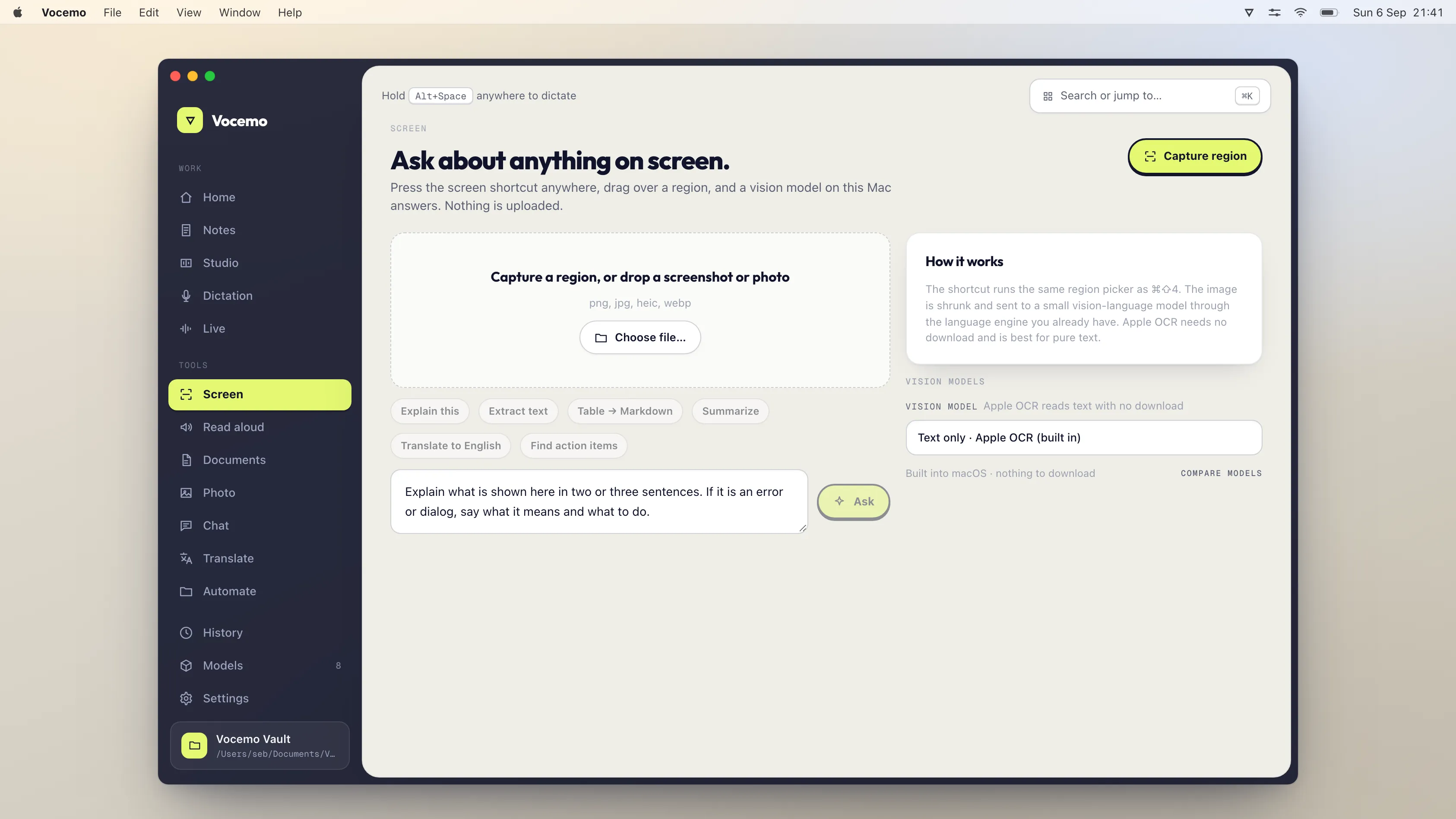
macOS records your screen for free but gives you no transcript. Loom adds transcripts and sharing links at $18 per user a month, with the video stored on its servers. Vocemo records the screen, transcribes it and writes chapters on your own Mac for $15 a month, and nothing is uploaded.
- What macOS gives you
- Screen recording, free, and no transcript
- What Loom costs
- $18 per user a month on Business, $24 with AI
- What Screen Studio costs
- $29 a month, or $9 a month billed yearly
- The local option
- Record, transcript and chapters on your Mac, $15 a month
Why is the video of your screen more sensitive than the audio?
People think carefully about who hears them and hardly at all about what is on screen behind the thing they meant to show. A four minute walkthrough of a spreadsheet also records the browser tabs above it, the notification that arrives at 90 seconds, the customer names in the sidebar, the staging URL, the ticket numbers and the calendar entry for the afternoon.
The audio is one voice saying one thing. The video is everything your Mac was displaying for as long as the recording ran. It is the higher risk half, and it is the half that gets uploaded to a hosting service so a link can be shared.
This matters for a specific and ordinary group of recordings: a bug report showing real customer data, a finance walkthrough, a handover of an internal admin tool, anything under a client confidentiality agreement, anything in a regulated setting. None of those need a hosted player. They need a file and a written record of what was said.
How do you record a Mac screen and get a transcript?
The recording part is already on your Mac. Press Shift, Command and 5 to open the screenshot toolbar, choose the whole screen or a selected window, and record. QuickTime Player does the same job from File, then New Screen Recording. Both write a video file and stop there.
Getting the words out of it takes a second step, and there are three ways to do it.
- Upload it. Loom and similar services transcribe after the video reaches their servers. This is the default and the reason most people never think about it.
- Run speech to text on your own machine. A speech model on an Apple silicon Mac transcribes a screen recording faster than it plays, with no network access at all.
- Type it yourself. Free, accurate, and about four times the length of the recording.
Chapters come from the transcript, not from the video. The timing of pauses and the change of subject give you the section marks, so a 12 minute walkthrough arrives as six labelled points a reader can jump to. That is usually the part people actually use, because almost nobody watches a screen recording end to end.
Can a Mac record system audio as well as the microphone?
Yes. macOS has supported capturing system audio natively since macOS 13, so the sound coming out of the app you are demonstrating can be recorded without the audio routing extensions people used to install for this. If a tool tells you that you need a virtual audio driver on a current Mac, it is working around something it has not updated.
What do the options cost?
Prices verified September 2026, from each vendor's own pricing page.
| Option | Transcript and chapters | Where the video goes | Price |
|---|---|---|---|
| macOS built in (Shift Command 5, QuickTime) | No transcript at all | Stays on your disk | Free |
| Vocemo | Yes, both, on your Mac | Stays on your disk | $15 a month, or $144 a year |
| Loom Starter | Transcripts in 50+ languages | Loom's servers | Free, 25 videos, 5 minute cap |
| Loom Business | Yes, plus basic editing | Loom's servers | $18 per user a month |
| Loom Business + AI | Yes, plus automatic editing | Loom's servers | $24 per user a month |
| Screen Studio | Transcript for captions | Your disk, sharing links optional | $29 a month, or $9 a month billed yearly |
If you would rather this ran on your own Mac, that is what Vocemo does. Free for 7 days, then $15 a month for 3 Macs.
Download free for MacLoom's annual billing takes up to 17% off those per user figures. Screen Studio no longer sells the one time licence it was known for, so both of the paid sharing tools are now subscriptions.
Who still needs Loom's sharing links?
Plenty of people, and it is worth being honest about which.
- Anyone whose recording has an audience of more than one. A hosted link with a player, a view count and comments in the timeline is a real product, and a video file in a shared folder is not the same thing.
- Support and sales teams who send the same walkthrough to hundreds of people and want to know who watched it.
- Anyone recording on a phone or a Windows machine as well as a Mac.
- Teams who search old recordings. A library of transcribed videos with one search box across all of them is a genuine reason to keep paying per seat.
The case for a local tool is the opposite shape. You are recording something you would not post, you need the words more than the video, and the audience is you, one colleague, or a ticket.
What does the local option not do?
Stated plainly, because these are the reasons to keep Loom rather than reasons to argue with it.
- No sharing link and no hosted player. You get a video file and a text file. If you want a URL, you have to put the file somewhere yourself.
- No view analytics, no comments, no reactions, no team library. None of the social layer exists.
- No automatic zoom on the cursor and no motion smoothing. That polish is what Screen Studio sells, and a local recorder with a transcript is not competing with it.
- Nothing is redacted for you. The recording captures what was on screen. Close the tabs, turn off notifications and switch to a clean window first, exactly as you would before any recording.
- macOS 13 or later, Apple silicon only. No Windows, no iPhone, no browser version.
- Transcript quality follows the microphone. A quiet room and a headset produce a transcript you can paste into a ticket. A laptop microphone in an open office does not.
How do you check a screen recording tool is not uploading the video?
Turn off the Wi-Fi, record 30 seconds, and ask for the transcript. If the transcript appears, the speech model is on your machine. If the app queues the recording or shows a connection error, the video and the audio were going somewhere. There is a longer method in the guide to checking whether an app uploads your data.
The second check is size. Speech models are large files. An app of a few megabytes that never downloads anything is not transcribing locally. For the background on what a Mac can and cannot run by itself, see what on-device AI means on a Mac.
Questions
How do I record my screen on a Mac and get a transcript?
Record with Shift Command 5 or QuickTime Player, then run speech to text over the recording. macOS gives you the video only, so the transcript needs a second tool. On an Apple silicon Mac that transcription can run locally, usually faster than the recording plays back.
Does macOS screen recording include a transcript?
No. The built in screen recorder in the Shift Command 5 toolbar and in QuickTime Player produces a video file and nothing else. There is no transcript, no captions file and no chapter marks. Those all require software on top.
Is Loom free, and what are the limits?
Loom's Starter plan is free and includes transcriptions in 50 or more languages, but it caps you at 25 videos and 5 minutes per screen recording. Unlimited videos and recording time start on the Business plan at $18 per user a month, checked September 2026.
How much does Screen Studio cost in 2026?
Screen Studio is $29 a month billed monthly, or $9 a month billed yearly, from its own pricing section checked September 2026. Both plans include every feature and shareable links. The one time licence it used to sell is no longer offered to new buyers.
Can I record my Mac screen without the video being uploaded?
Yes. The built in macOS recorder never uploads anything, and tools that transcribe on device keep both the video and the transcript on your disk. The test is to turn off the network and record: anything that still works was never sending the file.
Can a Mac record system audio during a screen recording?
Yes. macOS has supported capturing system audio natively since macOS 13, so the sound from the app you are demonstrating is recorded alongside your microphone. Older guides telling you to install a virtual audio driver are out of date on a current Mac.
Sources
Every price on this page was read from the vendor's own page on the date shown above. Prices change; if you find one out of date, tell us and we will correct it.
Competitor prices in this article were checked in September 2026. Prices change; if you find one out of date, write to us and we will correct it.