Separate vocals from music on a Mac
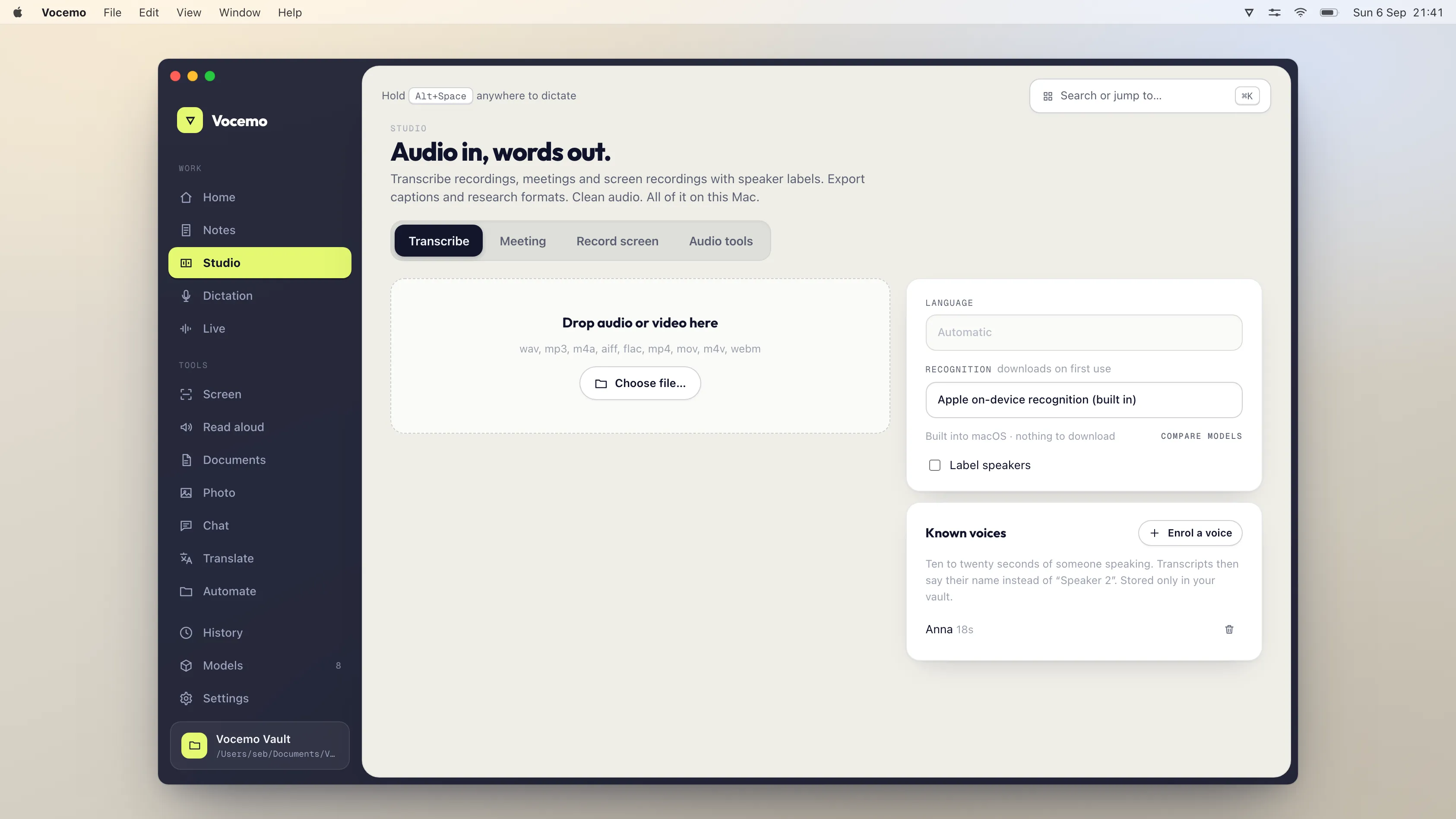
Splitting a song into vocals and backing is arithmetic your Mac can do offline. LALAL.AI's free tier gives 10 minutes, then Lite is 6.75 euros a month. Moises Premium is $5.99 a month on the App Store. Demucs and Spleeter are free. Vocemo costs $15 a month with no minute counter.
- LALAL.AI free tier
- 10 minutes in the relaxed queue, 200 MB per file
- LALAL.AI Lite
- 6.75 euros a month, or 81 euros a year, 90 fast minutes a month
- Moises Premium
- $5.99 a month or $39.99 a year, from the App Store listing
- Free and open source
- Demucs and Spleeter, both MIT licensed, both run locally
Can you separate vocals from music without uploading the song?
Yes. Source separation is a calculation, not a service. A model takes the waveform, estimates which part of each moment belongs to the voice and which to everything else, and writes two files. Nothing about that requires a server. The model is a file of weights, the audio is a file of samples, and the arithmetic runs on whatever processor is in front of it.
The proof is that the leading models are published. Demucs from Meta's research group is MIT licensed and separates drums, bass and vocals from the rest of the accompaniment, with a six source model that also splits guitar and piano. Spleeter from Deezer is MIT licensed and offers 2, 4 and 5 stem models. Both run on a laptop. Neither asks permission.
So when a website counts your minutes, that counter is not measuring a scarce resource that only it owns. It is a pricing decision.
Why do vocal remover sites charge per minute?
Because they are paying for the computer. If the separation runs on the vendor's hardware, then every minute of your audio costs them GPU time, storage and bandwidth. Metering the minutes is the sane way to bill for that. There is nothing dishonest about it.
The point is that you are paying for their machine, not for the capability. LALAL.AI is explicit about how the meter works: minutes are deducted for the length of the file you process, and stem separation multiplies the file length by the number of stem types you selected. Split a 4 minute song into 4 stems and you have spent 16 minutes of allowance, not 4.
Upload limits work the same way. LALAL.AI's free Starter tier caps files at 200 MB and its paid tiers at 2 GB. Those numbers describe an upload pipe. On your own disk the file is already there, and its size is a question about free space rather than about a plan.
What does it cost to split a song into stems?
Prices verified September 2026. Subscription figures come from each vendor's own pricing page, which shows the currency of the region you browse from, so the symbols below are the ones the pages displayed. The Moises figures come from the App Store listing for its app, because moises.ai puts its pricing table behind a login.

| Option | What you get | Where the audio goes | Price |
|---|---|---|---|
| LALAL.AI Starter | 10 minutes in the relaxed queue, 200 MB per file | LALAL.AI's servers | Free |
| LALAL.AI Lite | 90 fast minutes a month, 2 GB per file | LALAL.AI's servers | 6.75 euros a month, or 81 euros a year |
| LALAL.AI Pro | 250 fast minutes a month, 2 GB per file | LALAL.AI's servers | 13.50 euros a month, or 162 euros a year |
| LALAL.AI top up, Master | 750 minutes, one off | LALAL.AI's servers | $50 |
| LALAL.AI top up, Premium | 3,000 minutes, one off | LALAL.AI's servers | $190 |
| Moises Premium | Paid tier of the Moises app | Moises' servers | $5.99 a month, or $39.99 a year |
| Moises Pro | Top tier of the Moises app | Moises' servers | $29.99 a month |
| Demucs | 4 or 6 stems, command line | Stays on your disk | Free, MIT licence |
| Spleeter | 2, 4 or 5 stems, command line | Stays on your disk | Free, MIT licence |
| Ultimate Vocal Remover | Desktop app, Windows, Mac and Linux | Stays on your disk | Free and open source |
| Vocemo | Vocals and backing, in the Studio view | Stays on your disk | $15 a month, or $144 a year |
If you would rather this ran on your own Mac, that is what Vocemo does. Free for 7 days, then $15 a month for 3 Macs.
Download free for MacRead the top up row against the subscriptions. LALAL.AI's Master pack is $50 for 750 minutes, and those minutes are consumed per stem. A guitarist working through an album of 12 songs, four minutes each, at 4 stems a song, spends 192 minutes on one pass. That is a quarter of the pack on a single afternoon of practice files.
What are the free options and what do they cost you instead?
Free here means free of money, not free of effort.
- Demucs is the model most other tools wrap. It is MIT licensed and runs from the command line. You install Python, install the package, and run it on a file. The output quality is the reason it keeps winning comparisons. The cost is that you are maintaining a Python environment, and version drift is real.
- Spleeter is older and faster. Deezer's own figure is separation to 4 stems at 100 times faster than real time when run on a GPU. It is MIT licensed and installs by pip, conda or a container. It is the pragmatic choice for bulk work where the last few percent of quality does not decide anything.
- Ultimate Vocal Remover puts a window around this. Its site describes it as totally free and open source, available for Windows, Mac and Linux. You download models inside the app and pick one per job. The cost is the setup, and Mac users regularly meet the first launch security prompt before it will open.
All three answer the question the article title asks. If a command line does not bother you and you have an hour, you do not need to pay anyone, and you should know that before reading a pricing page.
Is a local separation as good as an online one?
They mostly run the same family of models, so the honest answer is that the difference is smaller than the price gap implies. The services do have real advantages. They retrain and swap models often, they publish stem counts a local app may not match, and their fast queue runs on hardware larger than a laptop.
What varies more than the model is the material. A modern pop mix with a dry lead vocal separates cleanly on anything. A dense live recording with heavy reverb on the voice leaves smeared artefacts whatever separates it, because the reverb tail genuinely belongs to both stems. Judge any tool on your own hardest track, not on a demo the vendor picked.
Speed on Apple silicon is usually fine for the length of a song. The wait is measured against your patience, not against a queue position that a paid tier moves you up.
What the local option does not do
Vocemo's Studio separates vocals from music on your Mac, with nothing uploaded. Here is what it does not do, so nobody buys it expecting a different tool.
- It is not a full stem workstation. It splits a track into vocals and the backing. It does not hand you drums, bass, guitar and piano as separate files the way Demucs with the six source model or the paid services do.
- There are no practice features. No chord detection, no key change, no tempo slider, no metronome, no setlists. Moises sells those alongside separation, and if the reason you want stems is to learn a part, that bundle is the thing you actually want.
- No mobile app and no sharing. The work happens on the Mac in front of you. There is no phone version, no shared library and no link to send a bandmate.
- Apple silicon and macOS 13 or later only. An Intel Mac cannot run it. A browser service will run on anything with a browser, and that is a genuine advantage of the hosted model.
- No model menu. The app picks the separation model. If comparing four checkpoints on the same track is the point of the exercise, use Ultimate Vocal Remover, which is built for exactly that and costs nothing.
How do I know a tool is really processing on my Mac?
Turn off Wi-Fi, unplug Ethernet, disconnect any tethered iPhone, quit the app and relaunch it. Separate a track. If two files appear, no server was involved. There was nowhere for the audio to go.
Then check the arithmetic in Activity Monitor. Local separation pushes a process to a large share of CPU for the length of the job. A flat CPU line during a three minute separation means those three minutes of work happened on someone else's hardware. Background on what that distinction means in practice is in on-device AI on a Mac.
Who should pay for the hosted services anyway?
Plenty of people, and the honest cases are easy to name. Anyone who needs six or ten separate stems from one track. Anyone working from a phone or a Chromebook. Anyone who wants chord charts, tempo changes and a practice loop in the same window as the stems. Anyone processing an occasional single song, where LALAL.AI's free 10 minutes settles it at no cost at all.
The case for keeping it local is different. It is for people who separate often enough that a meter becomes a background worry, and for people working on material that should not sit on a third party's disk: unreleased sessions, client work, interview audio, anything under an NDA. Vocemo is $15 a month, or $144 a year, which is $12 a month. There is a 7 day trial with no account, and a subscription covers 3 Macs. The installer is 5.5 MB, and separation is one part of an app that also handles transcription, captions and 21 document jobs, all on the machine.
Questions
How much does LALAL.AI cost?
LALAL.AI's pricing page shows a free Starter tier with 10 minutes in the relaxed queue and a 200 MB file limit. Lite is 6.75 euros a month or 81 euros a year with 90 fast queue minutes a month, and Pro is 13.50 euros a month or 162 euros a year with 250. One off top ups start at $50 for 750 minutes.
Is Moises free?
Moises has a free tier with a limited number of uploads a month and a limited feature set, which the company states on its own site. The App Store listing for the Moises app shows Premium at $5.99 a month or $39.99 a year and Pro at $29.99 a month. The full pricing table on moises.ai sits behind a login.
What is the best free vocal remover for Mac?
Ultimate Vocal Remover is the usual answer for a desktop app, since its site describes it as totally free and open source for Windows, Mac and Linux. If a command line is acceptable, Demucs gives the strongest separation quality and Spleeter is faster. All three are free and all three run on your own machine.
Does separating vocals need an internet connection?
No. Separation is a calculation over the audio samples, and the models that do it are published under open licences. A connection is needed only when the tool you chose runs the model on its own servers. Test any app by turning the network off and separating a track.
Why do vocal splitters limit how many minutes I can process?
Because the vendor is paying for the hardware that does the work, so minutes are the fair way to bill for their costs. The limit reflects their infrastructure, not a property of the task. LALAL.AI also multiplies the deduction by the number of stems you asked for, so a four minute song split four ways spends sixteen minutes.
Can I get drums and bass as separate stems on a Mac?
Yes, with Demucs or Ultimate Vocal Remover, both free and both local. Demucs separates drums, bass and vocals from the rest, and its six source model adds guitar and piano. Vocemo splits a track into vocals and backing only, so a full instrument breakdown needs one of those tools or a paid service.
Sources
Every price on this page was read from the vendor's own page on the date shown above. Prices change; if you find one out of date, tell us and we will correct it.
Competitor prices in this article were checked in September 2026. Prices change; if you find one out of date, write to us and we will correct it.